

Web Browsers
Logical works best with modern web browsers and provides specialized features for email management.- Chrome
- Edge & Safari
Full Support - Complete integration with all Logical features.Specialized Features: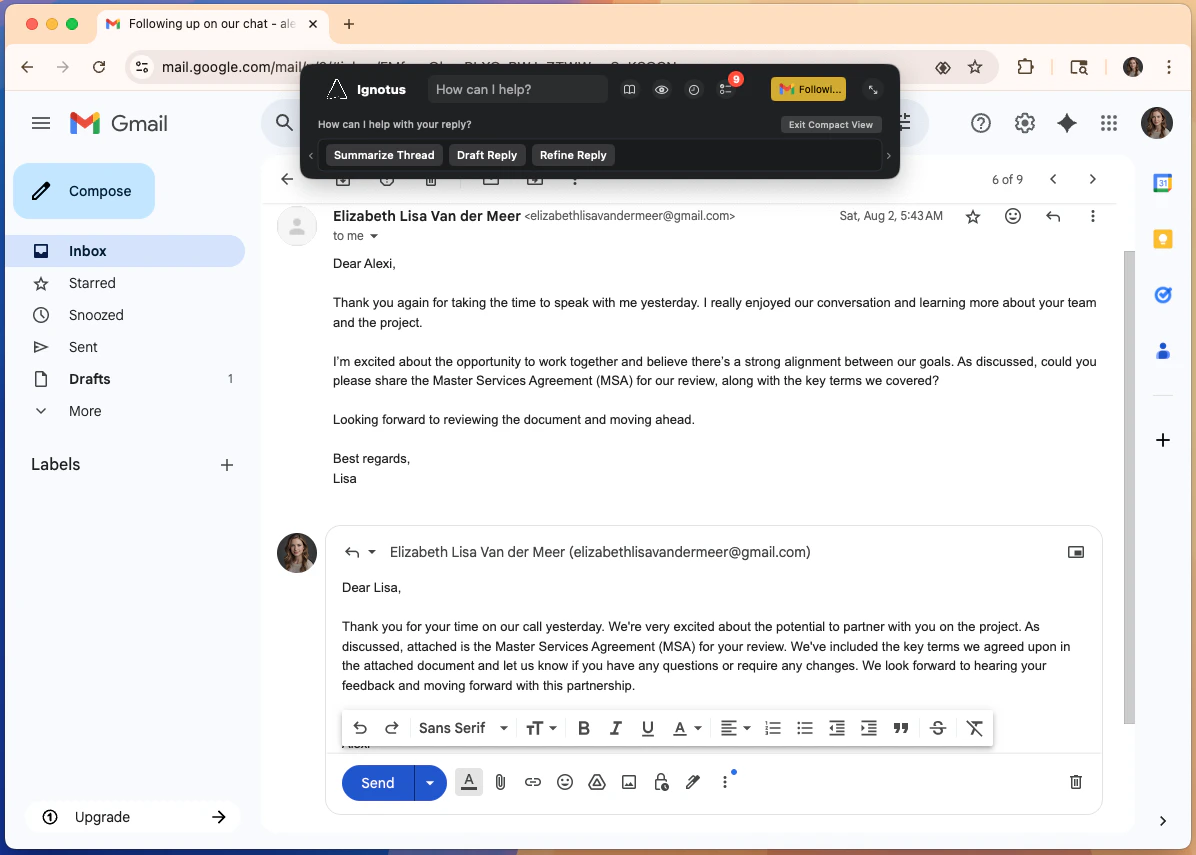
- Gmail assistance (compose, reply, organize)
- Outlook Online support
- Advanced form automation
- Enhanced web app integration
Logical working with Gmail in Chrome.
Gmail and Outlook specialized assistance is currently Chrome-exclusive but will expand to other browsers soon.
Productivity Applications
Microsoft Excel
Desktop Version Support - Works with Excel for Mac to provide intelligent spreadsheet assistance. Key Features:- Error Analysis: Identify and explain formula errors
- Smart Suggestions: Recommend formulas and data improvements
- Formula Generation: Create complex formulas from natural language
- Sentry Mode: Proactive monitoring for spreadsheet issues
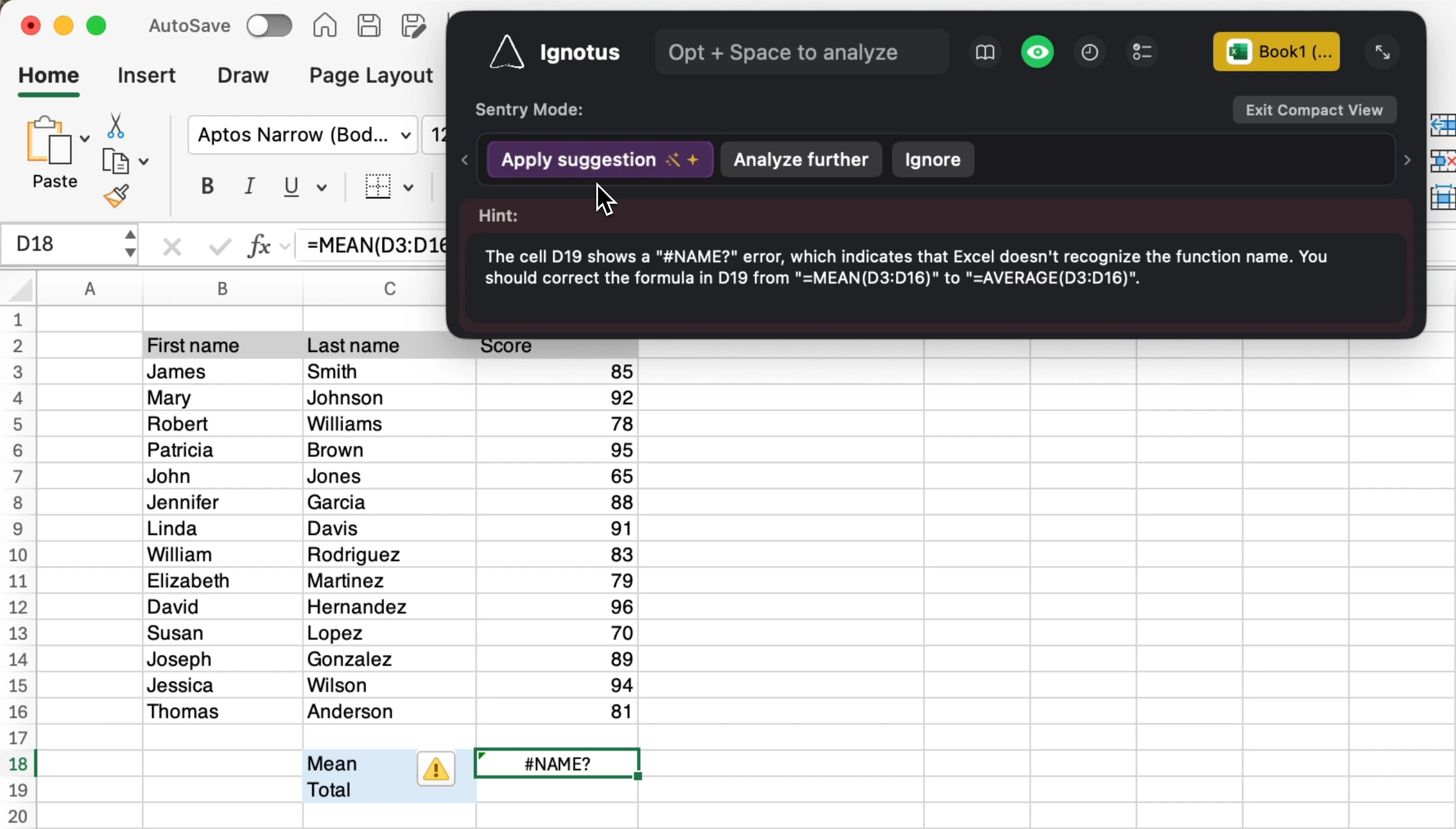
Logical analyzing Excel formulas and suggesting improvements.
Adobe Acrobat
PDF Form Intelligence - Advanced form handling and document processing. Specialized Actions:- Smart Form Filling: Intelligently populate forms from context
- Document Summarization: Extract key information from PDFs
- Form Management: Clear forms, validate entries, format data
- Content Extraction: Pull structured data from documents
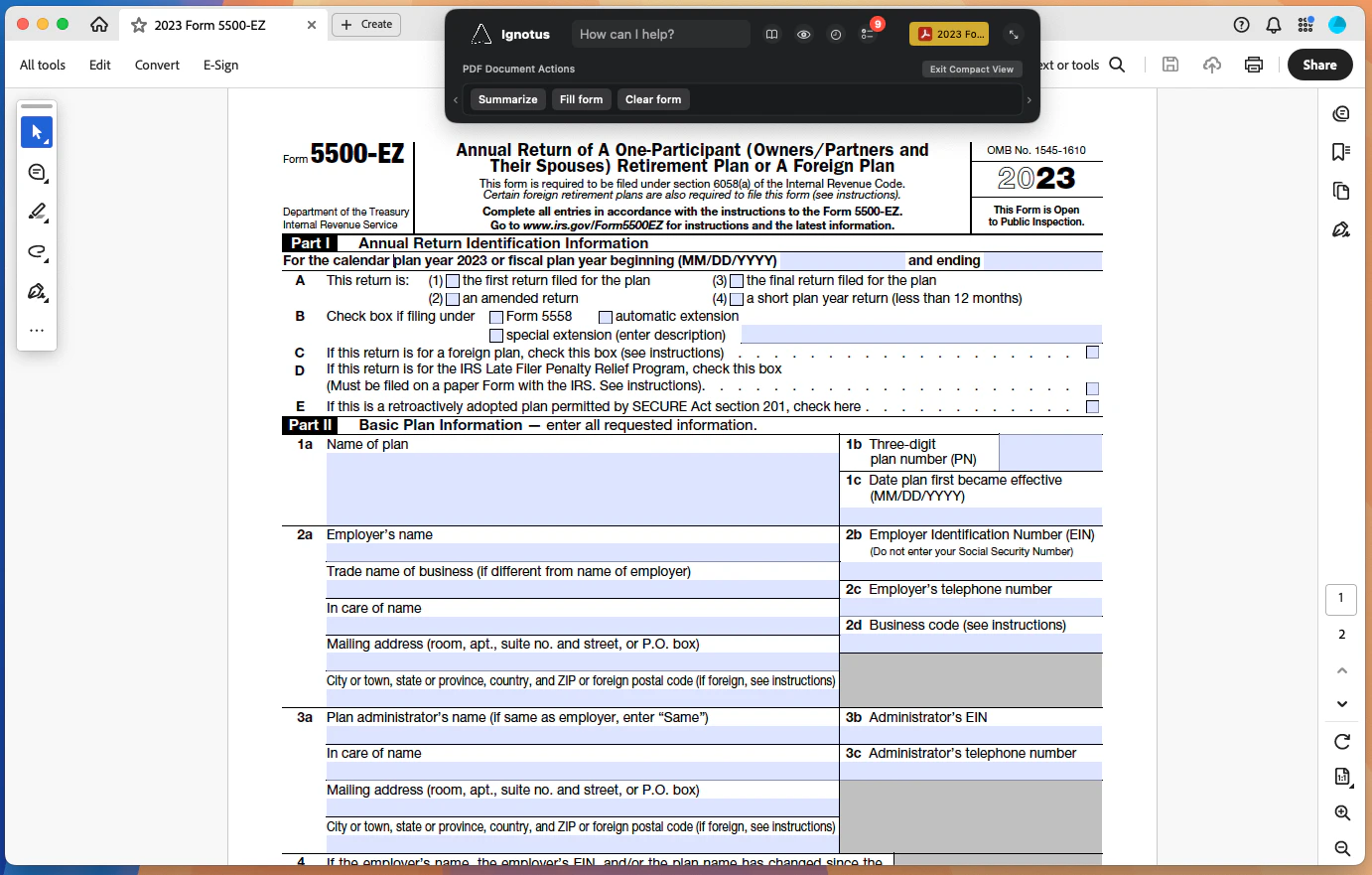
Logical helping fill a PDF form in Adobe Acrobat.
Communication Platforms
Logical provides context-aware assistance across all major messaging and communication platforms.Supported Platforms
- Professional
- Personal
- Slack - Message composition, thread management, channel insights
- Microsoft Teams - Meeting summaries, chat assistance, file sharing
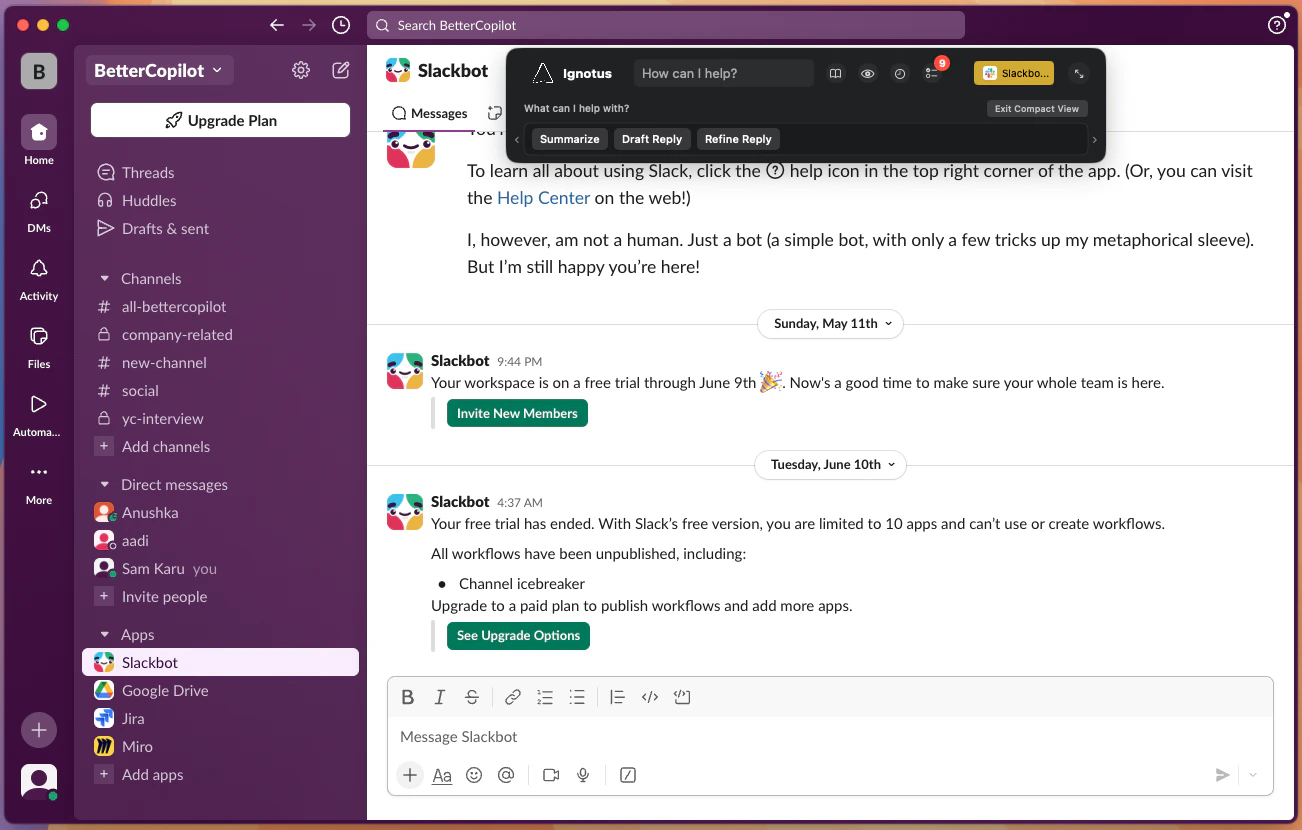
Logical assisting with Slack message composition.
Universal Features
Regardless of the specific application, Logical provides these core capabilities:- Screen Analysis - Understand content in any application
- Context Switching - Seamless transitions between apps
- Cross-App Actions - Perform tasks spanning multiple applications
- Sentry Mode - Proactive monitoring and suggestions
Don’t see your favorite app listed? Logical works with virtually any Mac application. These are just the ones with specialized, enhanced integrations.