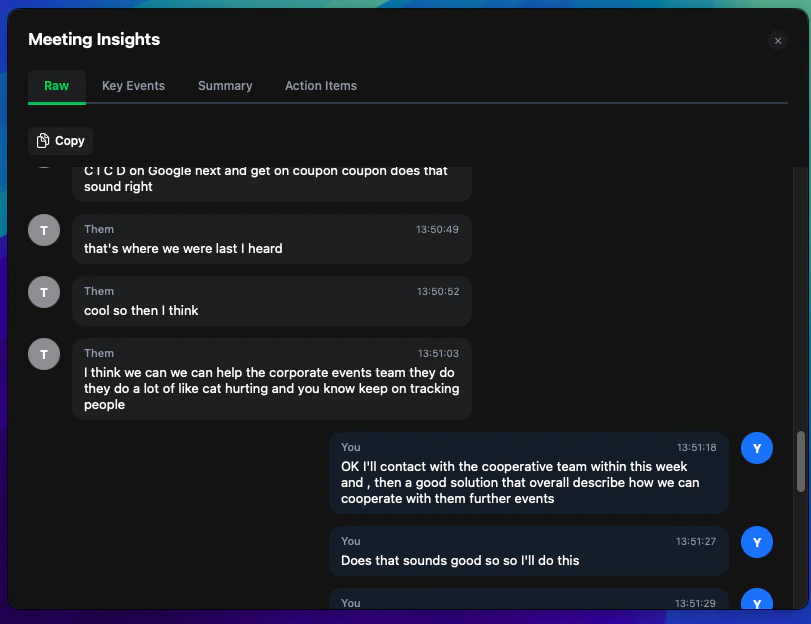
Real-time meeting transcription, meeting insights including key-events, summary & action items across all platforms while Logical don’t need to join your meeting.
Whether you’re using Zoom, Microsoft Teams, Google Meet, Slack Huddles, or any other video conferencing platform, Logical seamlessly integrates to capture, transcribe, and analyze your meetings in real-time.
Supported Platforms
Works with Zoom, Microsoft Teams, Google Meet, Slack Huddles, Webex, and web-based meetings
Realtime Insights & Meeting History
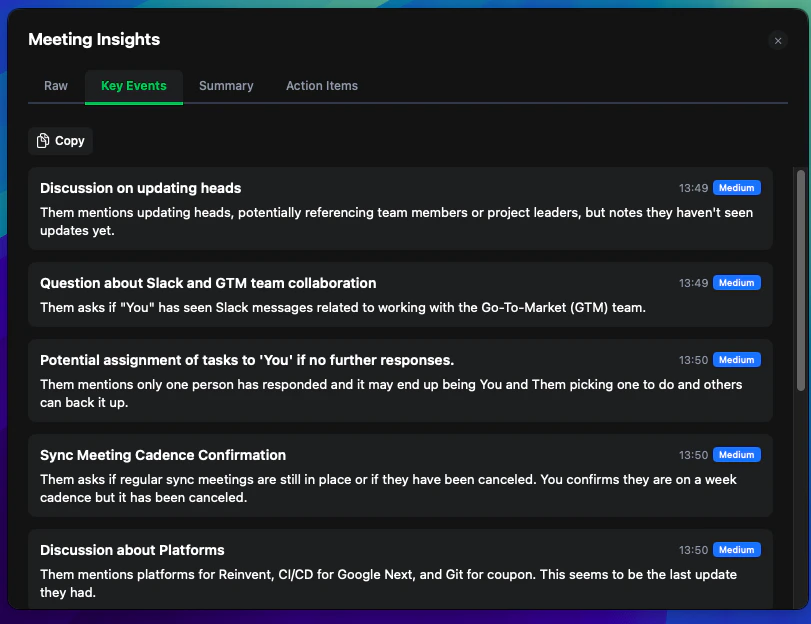
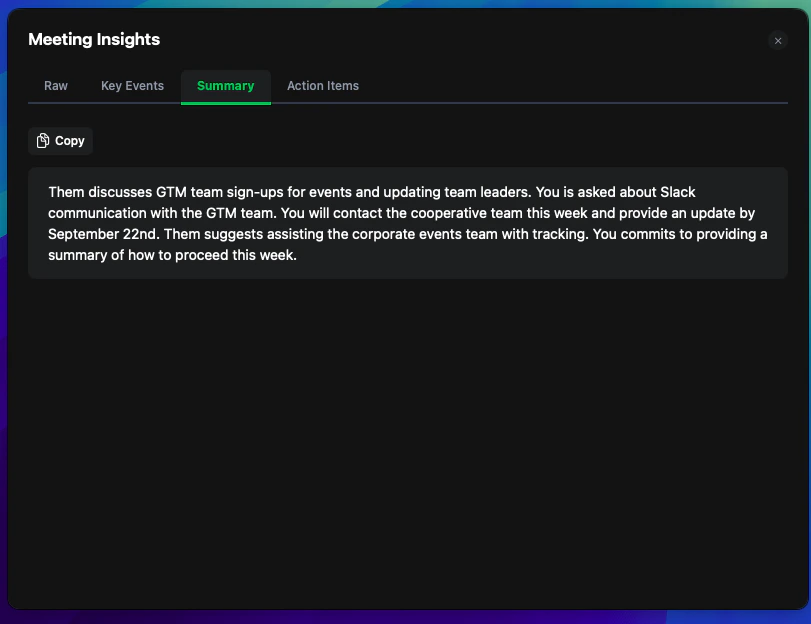
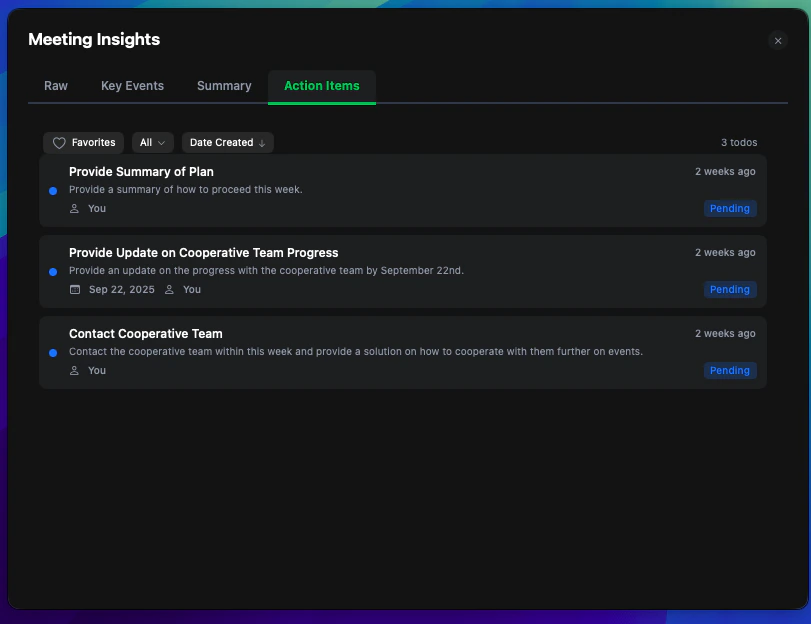
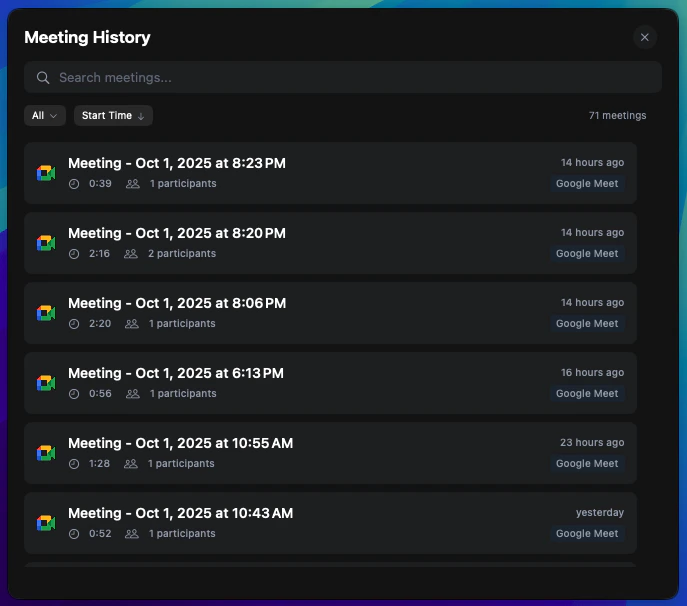
Apart from transcription, key-events, summary and action-items could be identified in real-time.
They can be accessed later via meeting history.
No setup
You don’t have to configure anything. Also Logical doesn’t need to join your meetings.
It is built to remove all your burden.
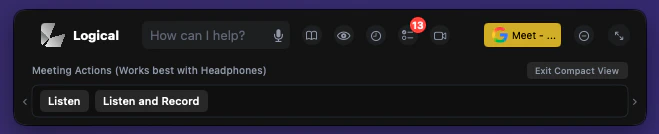
For the best meeting experience, we recommend using headphones. This helps Logical better distinguish between different audio sources and provides more accurate transcription results.
Logical continuously monitors your applications and detects when you’re about to join any meeting across all supported platforms. As the meeting feature works best with headphones it hints to use them.
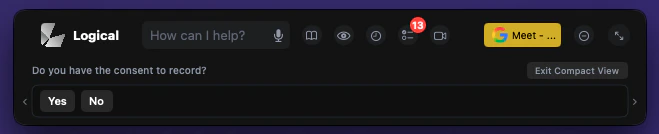
Logical detecting an upcoming meeting and presenting options.